---
title: "Create a Mock API server in JavaScript"
url: "https://www.pardel.dev/2024/09/13/mock-api-server-javascript"
date: 2024-09-13
author: "Paul Ardeleanu"
tags: ["JavaScript"]
description: "Learn how to create a mock API server using JavaScript and the json-server library in under 3 minutes."
---
# Create a Mock API server in JavaScript
During the development lifecycle, we often encounter situations where we need to mock an external API server - either because it's temporarily unavailable (we might be offline) or because it simply wasn't built yet.
Here is how to get one running in no time.
## Setup
We'll start by creating a new folder to store the files required for our server:
mkdir ApiServer
... and change the current path to that folder:
cd ApiServer
## JSON Server
We are going to use the [json-server](https://github.com/typicode/json-server) npm library. To install JSON Server, globally in your system, run:
npm install -g json-server@0.17.4

added 111 packages, removed 46 packages, and changed 7 packages in 2s

17 packages are looking for funding
  run `npm fund` for details
> NB: There is currently a version 1.0.0-beta2 of `json-server` available, but it has some breaking changes and is less feature-rich than the 0.17.4 version.
## Data file
Let's now create a file that will contain the data to be served. Create a `data.json` file with the following content:
```json
{
"tasks": [
{
"id": 1,
"name": "Buy some milk"
},
{
"id": 2,
"name": "Renew insurance"
}
]
}
```
## Start server
Let's now start the server:
json-server -p 8080 --watch data.json

  \{^_^}/ hi!

  Loading data.json
  Done

  Resources
  http://localhost:8080/tasks

  Home
  http://localhost:8080

  Type s + enter at any time to create a snapshot of the database
  Watching...
Navigate to `http://localhost:8080` to see an overview page, or to `http://localhost:8080/tasks` to retrieve the tasks.
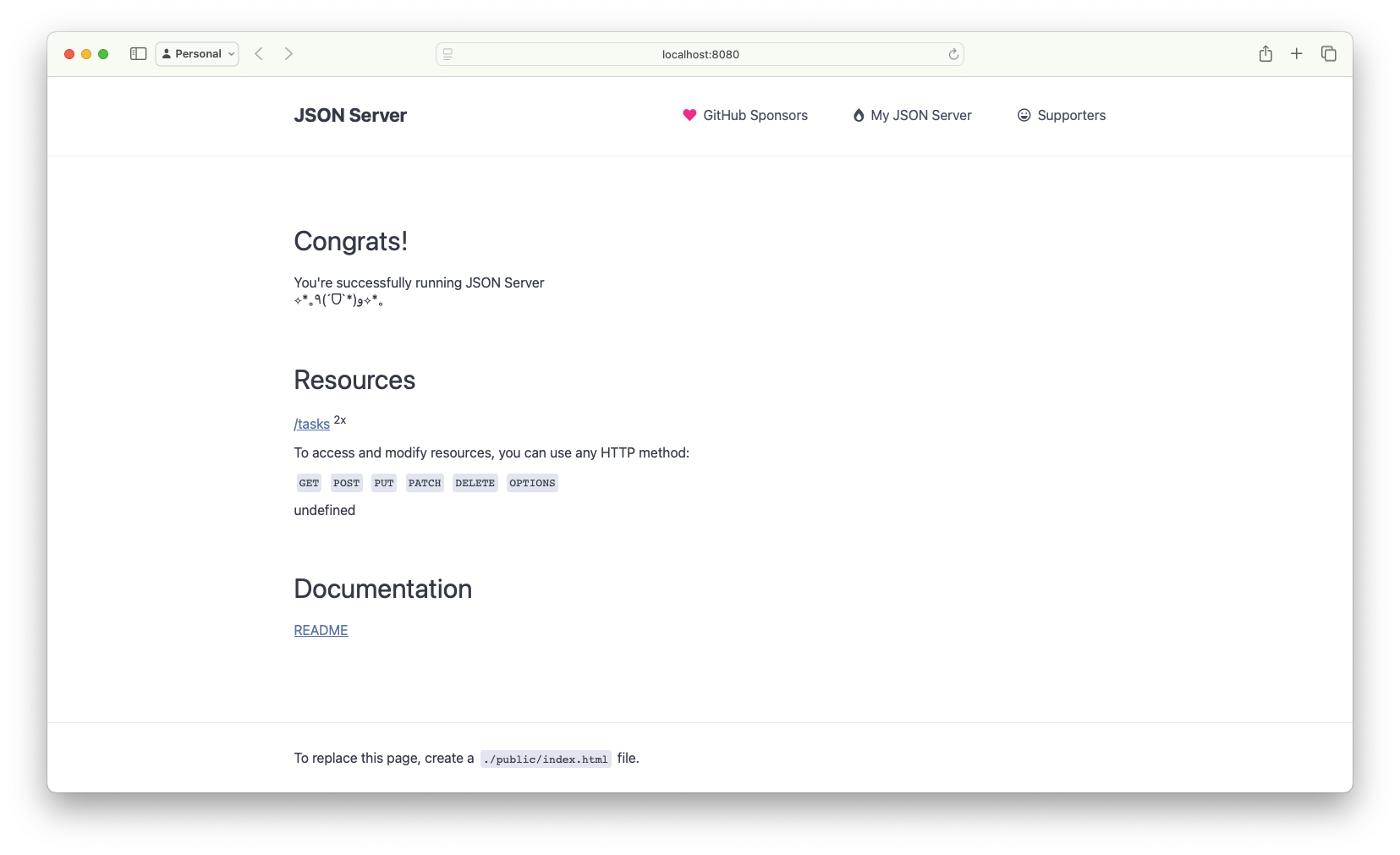
`json-server` has a lot of other options that you might find useful:
json-server --help
json-server [options]

Options:
  -c, --config                   Path to config file
                                                   [default: "json-server.json"]
  -p, --port                     Set port                        [default: 3000]
  -H, --host                     Set host                 [default: "localhost"]
  -w, --watch                    Watch file(s)                         [boolean]
  -r, --routes                   Path to routes file
  -m, --middlewares              Paths to middleware files               [array]
  -s, --static                   Set static files directory
      --read-only, --ro          Allow only GET requests               [boolean]
      --no-cors, --nc            Disable Cross-Origin Resource Sharing [boolean]
      --no-gzip, --ng            Disable GZIP Content-Encoding         [boolean]
  -S, --snapshots                Set snapshots directory          [default: "."]
  -d, --delay                    Add delay to responses (ms)
  -i, --id                       Set database id property (e.g. _id)
                                                                 [default: "id"]
      --foreignKeySuffix, --fks  Set foreign key suffix (e.g. _id as in post_id)
                                                                 [default: "Id"]
  -q, --quiet                    Suppress log messages from output     [boolean]
  -h, --help                     Show help                             [boolean]
  -v, --version                  Show version number                   [boolean]

Examples:
  json-server db.json
  json-server file.js
  json-server http://example.com/db.json

https://github.com/typicode/json-server
That's it. You can now consume the contents of data.json using simple local requests.
## What next?
- [json-server official documentation](https://github.com/typicode/json-server/tree/v0) on GitHub
- [json-server npm page](https://www.npmjs.com/package/json-server)
- [json-server's author blog](https://blog.typicode.com/)
## Happy coding!